Halloween
Halloween AI Video: Turn a Portrait Into a Five-Second Clip
A practical image-to-video workflow for Halloween portraits: first-frame checks, motion prompts, identity consistency, and cost-per-clip testing.
The best Halloween AI videos start with a still image. Text-to-video has to invent a face, a costume, and a scene at the same time. Image-to-video starts with a frame you have already inspected, so the model can focus on motion.
This guide covers the workflow from still to five-second clip, the motion prompts that hold up, and the checks that save credits.
The still is the script
Every detail in the first frame becomes a constraint. If the hands are distorted, the video will animate the distortion. If the costume edge is ambiguous, the model may invent a new edge. Inspect the still at full size before you upload it.
A clean first frame has a clear face, a stable background, and a costume that reads at thumbnail size. A busy scene is not automatically better; it gives the model more opportunities to introduce motion artifacts.
Ask for one motion and one camera move
A five-second clip does not need a story. A blink, a slow head turn, hair moving in a breeze, drifting fog, or a slow push-in is enough. One motion plus one camera move is a controllable brief.
Avoid walking, dancing, costume changes, and scene cuts in the first test. Those actions require the model to invent new information, which increases the chance of identity drift and anatomy errors.
Repeat the invariants in the prompt
The video prompt should repeat what must not change: face, costume, hairstyle, body proportions, lighting, and the number of people. Then describe the motion and the camera separately.
A good template is: use the provided image as the exact reference; keep the face and costume consistent; the subject turns their head slowly; a breeze moves loose hair; fog drifts; the camera pushes in slowly; maintain stable anatomy; do not change identity or add characters; no cuts, text, or watermarks.
Seasonal workspace
Try the look
JPG, PNG or WebP · up to 10 MB · 1 credit only after success
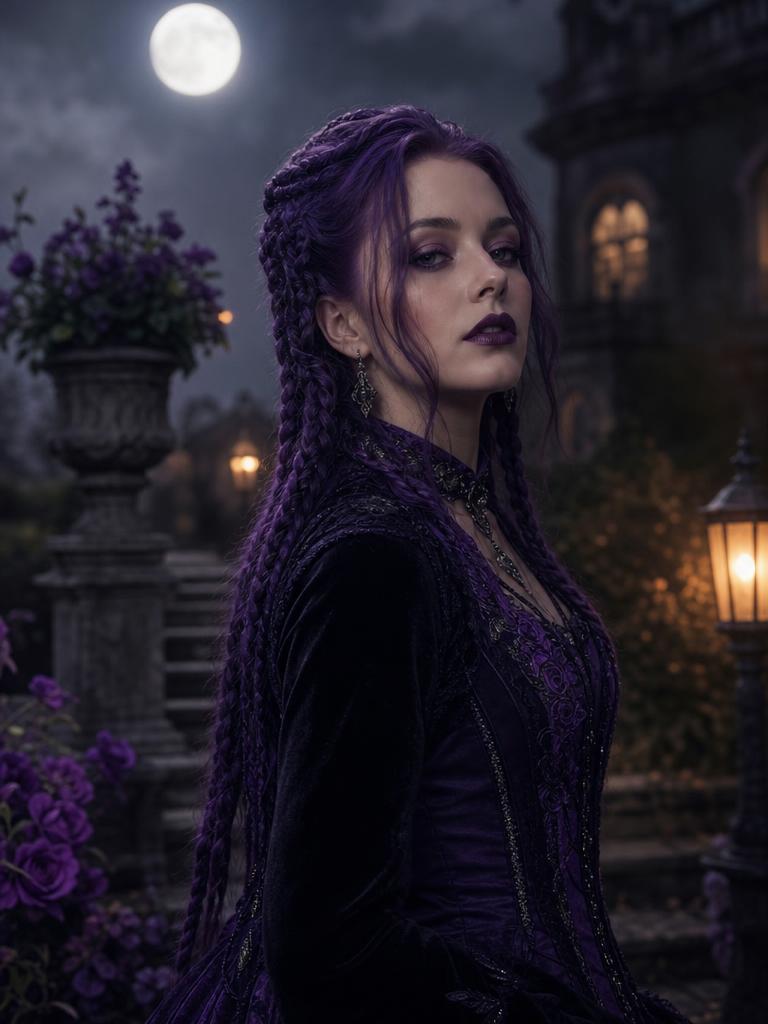
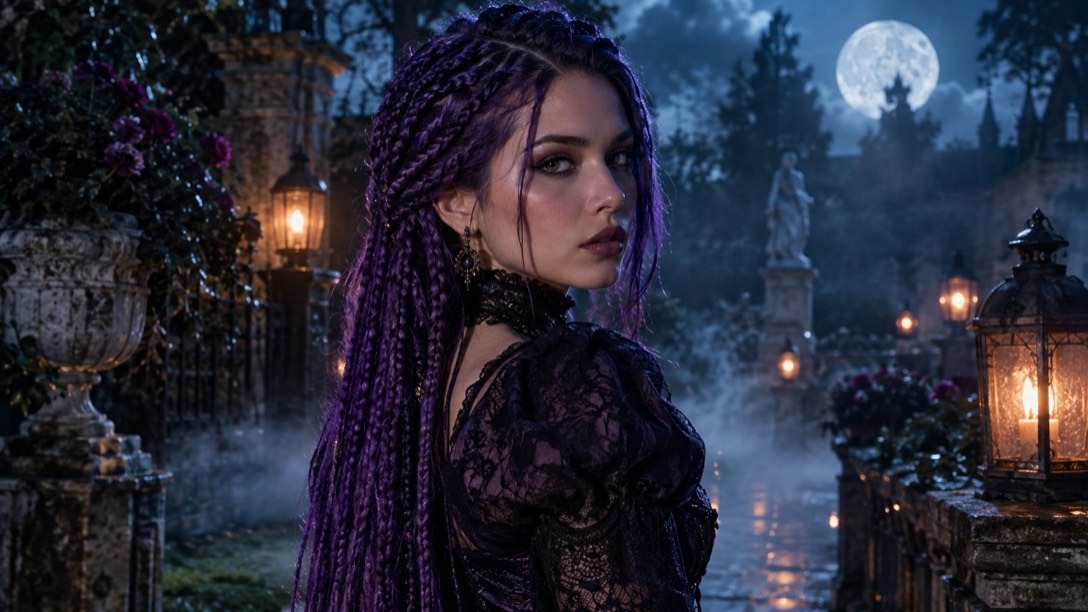
Violet braids, moonlight, and a Victorian garden.
Prompt recipe
Use the uploaded photo as the primary reference. Preserve the subject's recognizable facial identity, facial proportions, skin tone, approximate age, body proportions, pose and natural anatomy. Keep the same number of people as the uploaded photo. Avoid altered facial identity, extra people, extra limbs, duplicated fingers, distorted anatomy, text, logos and watermarks. Transform the subject into an original gothic Halloween fashion portrait. Change the hairstyle into long violet braids decorated with delicate silver hair accessories. Replace the clothing with an elegant black-and-purple velvet outfit featuring subtle lace and metallic details. Place the subject in a moonlit Victorian garden with soft fog, glowing lanterns and dark autumn foliage. Use photorealistic editorial photography, realistic fabric textures, natural skin details and cinematic soft lighting.
New accounts get 5 free credits. Sign in to use them.
Check the clip at three points
Pause at the first, middle, and last second. Compare the face, hands, costume, and background. Does the person remain the same person? Does the costume stay in place? Does the background warp?
A clip can look convincing in motion and fail when paused. The pause test is especially useful for social posts, where a viewer may screenshot a frame.
Calculate the cost per usable clip
Video jobs are heavier than image jobs, so they cost more credits. Record the cost per attempt and the number of attempts. Divide by the number of clips you would actually post.
A failed job should release the reservation. If a provider charges for failures, add that to the cost. The cheapest headline price is not always the cheapest usable clip.
Keep the first version short
Five seconds is enough to test identity stability. Once the short clip works, you can try a slightly longer version or a more ambitious motion. If the short clip fails, a longer one will fail more.
The same rule applies to couples and pets: one subject or one pair, one motion, one camera move. Complexity is the enemy of consistency.
The first frame is the contract
The first frame tells the model what the whole clip should preserve. If the first frame has a soft face, the clip will have a soft face. If the first frame has a hand merging into a costume, the motion will make the merge more obvious.
Spend more time on the still than on the prompt. A clean still with a simple background and a clear costume gives the video model fewer decisions. The prompt can then focus on motion instead of repair.
Motion prompts that fail
“Walking through a haunted house” asks the model to invent legs, a floor, and a camera path. “Dancing” asks for complex body motion. “Transforming into a monster” asks for a new identity. Those prompts can produce interesting results, but they are not reliable portrait tests.
Start with motion that preserves the frame: a blink, a head turn, a breeze, fog, a light sweep. Once that works, add one small camera move. Complexity should be earned, not assumed.
A review sheet for a five-second clip
Pause at 0s, 2.5s, and 5s. Check the face, eyes, hands, hairline, costume edges, and background. Then play it at normal speed and check whether the motion feels natural. A clip can pass the pause test and still feel like a slideshow.
Write down one failure per clip. “The left hand gains a finger at 4s” is more useful than “looks off.” A specific note tells you whether to change the source, the motion, or the model.
How to choose the first and last frame
The first frame is the image you upload. The last frame is implied by the motion. If you want a head turn, start with the subject looking slightly away so the turn has somewhere to go. If you want a push-in, start with enough space around the shoulders.
A portrait that is already cropped tight leaves no room for camera movement. A portrait with a busy background gives the model too many things to warp. Compose for the motion you want, not just for the still.
A note on sound and silence
A silent five-second portrait clip can still work as a loop, a story background, or a subtle website hero. Do not assume the video model will supply audio. If sound matters, plan a separate audio layer and check the license.
For a first test, silence removes one variable. You can judge the face and motion without being distracted by a soundtrack. Add audio only after the visual clip is stable.
What to take away
A good five-second clip is a controlled animation of a good still. Protect the face, keep the motion small, and test the cost per usable result before you scale up.
Questions
Can I generate a video directly from text?
Some models support it, but image-to-video is more controllable for a portrait because the face and costume are already resolved.
Why does the face drift?
Video models accumulate small errors over time. A shorter clip, a simpler motion, and a clearer source reduce the drift.
Can I add audio?
The current workflow focuses on the visual clip. Add audio separately if you need it.