Image to video
AI Halloween video generator
A still portrait can become a five-second clip with a slow head turn, drifting fog, and a gentle camera push-in. Start with a finished image so the identity is already resolved.
Updated 2026-10-20
Image-to-video is the most reliable way to make a Halloween clip that still looks like the person in the photo. Text-to-video has to invent a face and a costume at the same time. Image-to-video starts with a resolved frame and animates it.
The trade-off is that small errors in the source image become motion errors. A distorted hand, a floating accessory, or an ambiguous hairline will be animated too. Inspect the still before you spend credits on a clip.
The looks on this page
Each image is a GPT Image 2 concept asset. Each preset has a readable prompt and a real upload-and-generate path.
Seasonal workspace
Animate this look
JPG, PNG or WebP · up to 10 MB · 10 credits only after a successful clip
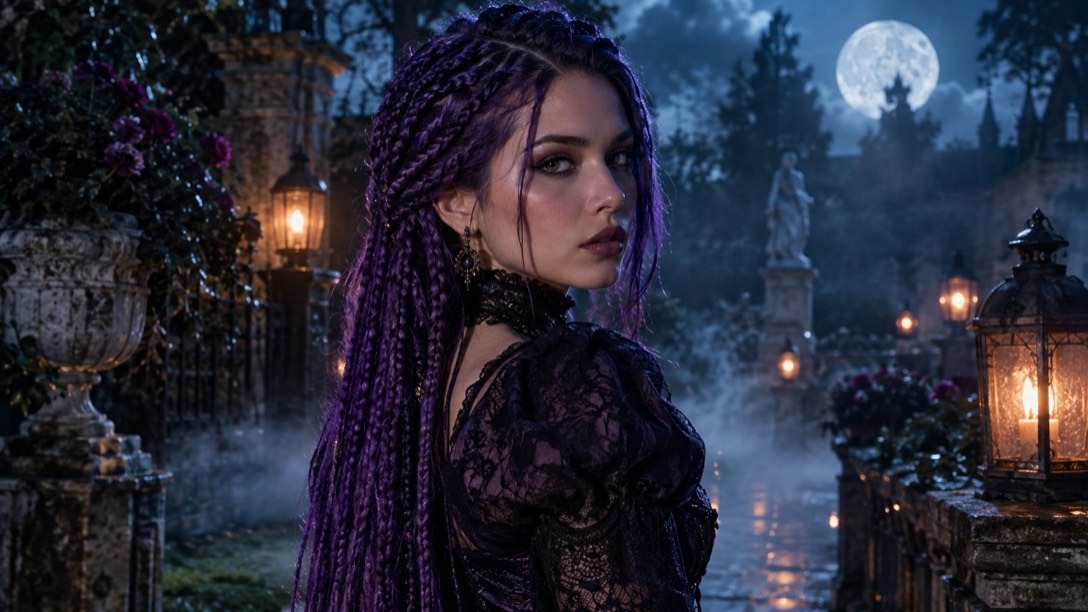
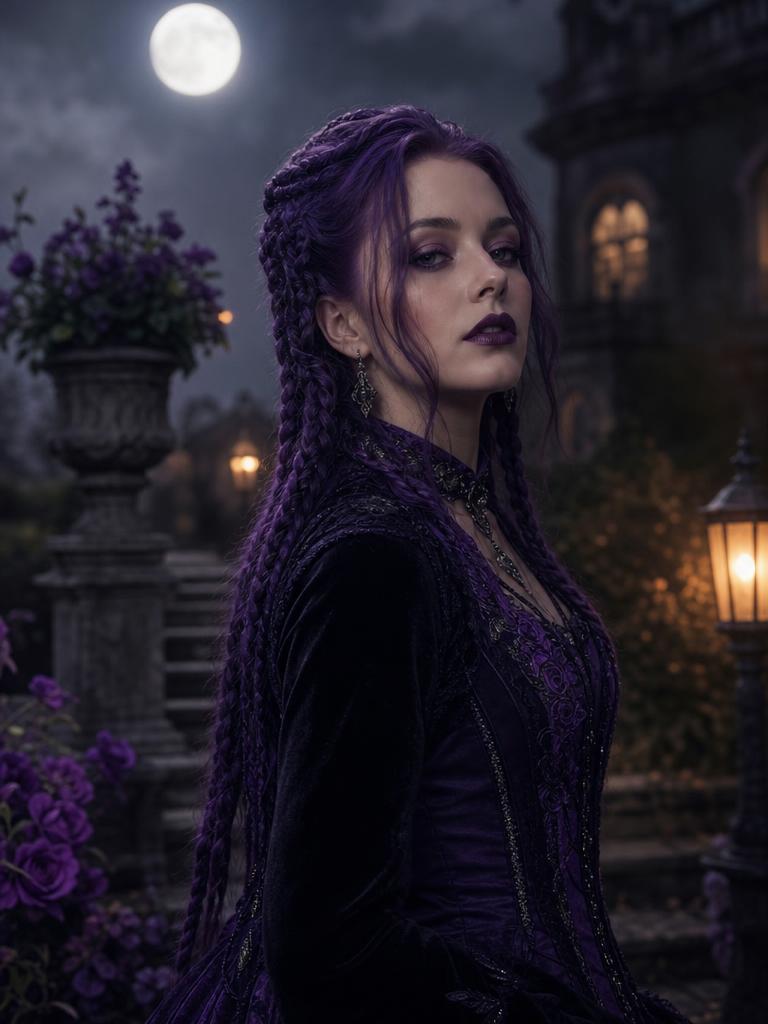
Violet braids, moonlight, and a Victorian garden.
Prompt recipe
Use the provided image as the exact visual reference and starting composition. Create a continuous five-second cinematic Halloween portrait animation. Keep the face, costume, hairstyle and body proportions consistent. The subject slowly turns their head toward the camera with a subtle mysterious expression. A gentle breeze moves loose hair strands and the edge of the clothing. Soft fog drifts through the moonlit garden. The camera performs a slow, smooth push-in. Maintain realistic motion, stable anatomy and consistent lighting. Do not change identity, replace the costume, add characters or introduce scene cuts. No text or watermarks.
New accounts get 5 free credits. Sign in to use them.
The five-second rule
Start with five seconds. A short clip is cheaper to test, easier to review, and less likely to drift into a different face or scene. A single small motion is enough to make a portrait feel alive.
Good first motions: a blink, a slow head turn, hair moving in a breeze, fog drifting, a light sweep, or a slow push-in. Avoid walking, dancing, costume changes, and scene cuts until the short clip is consistently good.
A video prompt that protects identity
The prompt should repeat the visual invariants: face, costume, hairstyle, body proportions, lighting, and number of people. It should describe the motion and the camera separately. It should also forbid identity changes, extra characters, and scene cuts.
The Midnight Braids video prompt is a good template: keep the reference image, turn the head slowly toward the camera, move loose hair and the clothing edge, drift fog through the garden, push in slowly, and maintain stable anatomy and lighting.
What to check before generating
Open the still at full size. Check the eyes, hands, jewelry, hairline, and the boundary between the subject and the background. If the still has a visible error, the video will make it more obvious.
Use a portrait with a clear face and a simple composition. A busy scene gives the model more opportunities to introduce motion artifacts. A centered subject with a stable background is easier to animate.
- Face sharp and fully visible.
- No extra people or ambiguous limbs.
- Costume details that should not change are clear.
- Background simple enough to animate without warping.
Cost, credits, and failure handling
Video jobs use more provider capacity than image edits, so they cost more credits. The workspace shows the cost before you submit. A failed job releases the reservation instead of silently charging you.
If a clip fails, do not keep resubmitting the same prompt. Check the source image and simplify the motion. A shorter, quieter prompt is often more reliable than a long list of effects.
Where the clip works best
A five-second portrait clip works well as a social post, a story, a loop, or a hero background. It is not a replacement for a filmed costume reveal. Keep the clip clearly labeled as AI-generated and do not present it as documentary footage.
For a couple or pet, use the same principle: one subject or one pair, one small motion, one camera move. The more identities and actions you add, the more likely the model is to lose one of them.
Questions about ai halloween video generator
Do I need to generate an image first?
Yes. The video workflow starts from an image so the face and costume are already resolved.
How long is the clip?
The first version is five seconds. Longer clips need a different model and a more careful motion plan.
Can I download the MP4?
Yes. Completed video jobs expose a download control and a private download route.
Why did the face change during the clip?
Video models can drift over time. Use a simpler motion, a shorter clip, and a clear source image. Identity preservation is a prompt constraint, not a guarantee.
Start with one photo
See the look before you commit to the costume.
New accounts get five free credits. A completed image uses one; a failed job releases the reservation.