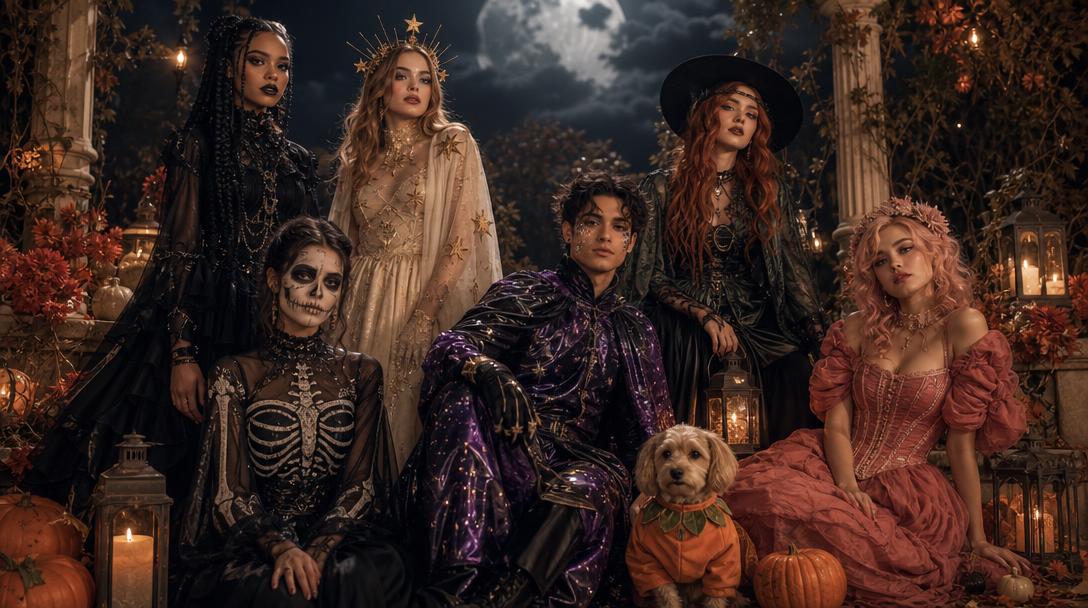
Halloween 2026
One selfie. Endless Halloween looks.
Start with a real photo, choose a tested look, and preview the result before you decide what to share. FeyNoBg now has a seasonal image and video workspace built for 2026 Halloween ideas.
Updated 2026-10-20
Halloween searches are visual. People are not looking for another article that lists costume names; they want to see what a look could become on their own face, their own pet, or their own partner. That is why this hub is built around previews and working tools rather than a wall of links.
The pages below cover the strongest signals from the 2026 Halloween research: mascot horror, celestial princesses, wearable sci-fi armor, pet costumes, coordinated couple looks, and short cinematic clips. Each page explains what the tool can change, what it must preserve, and where a generated result still needs human judgment.
The looks on this page
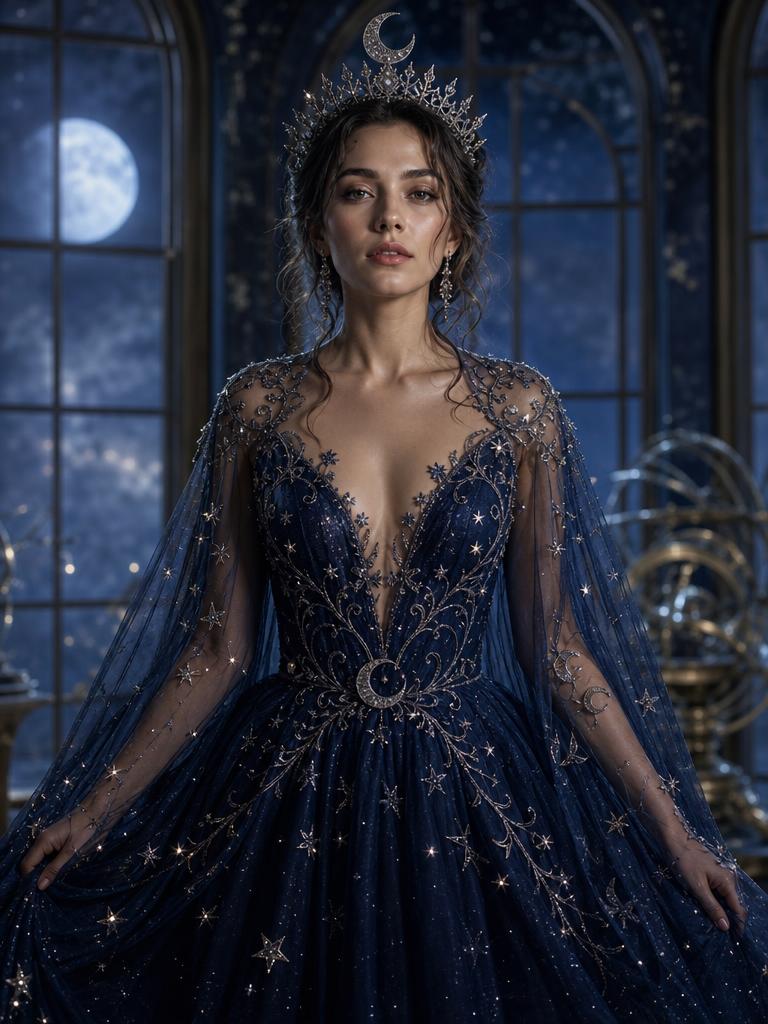
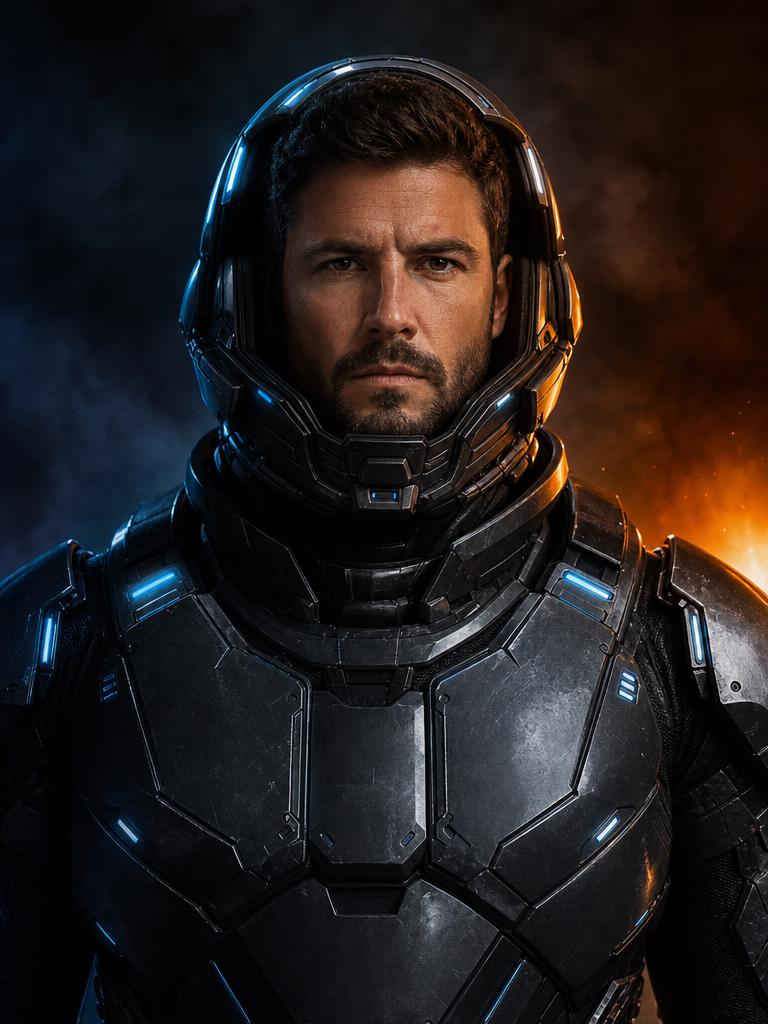
Each image is a GPT Image 2 concept asset. Each preset has a readable prompt and a real upload-and-generate path.
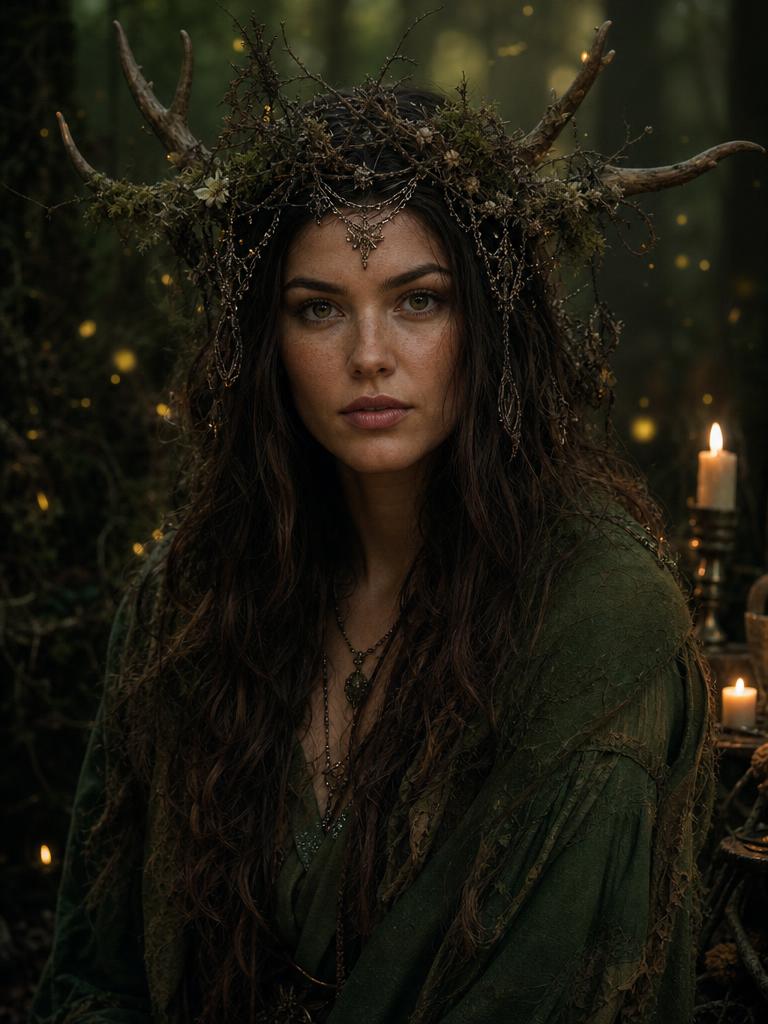
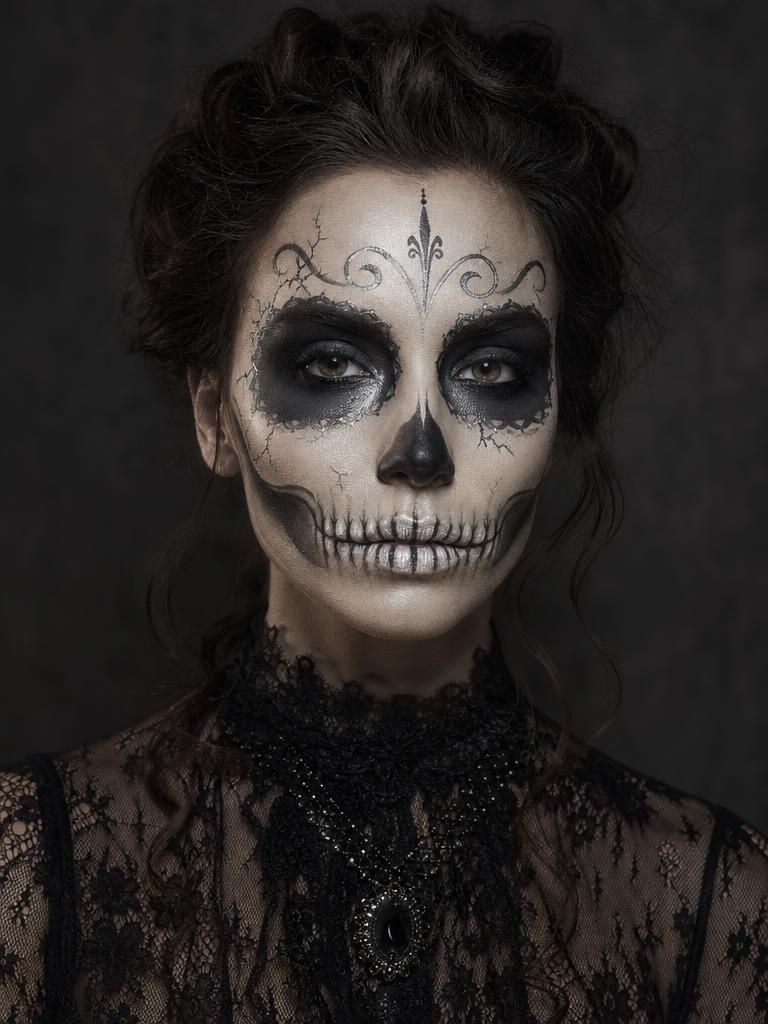
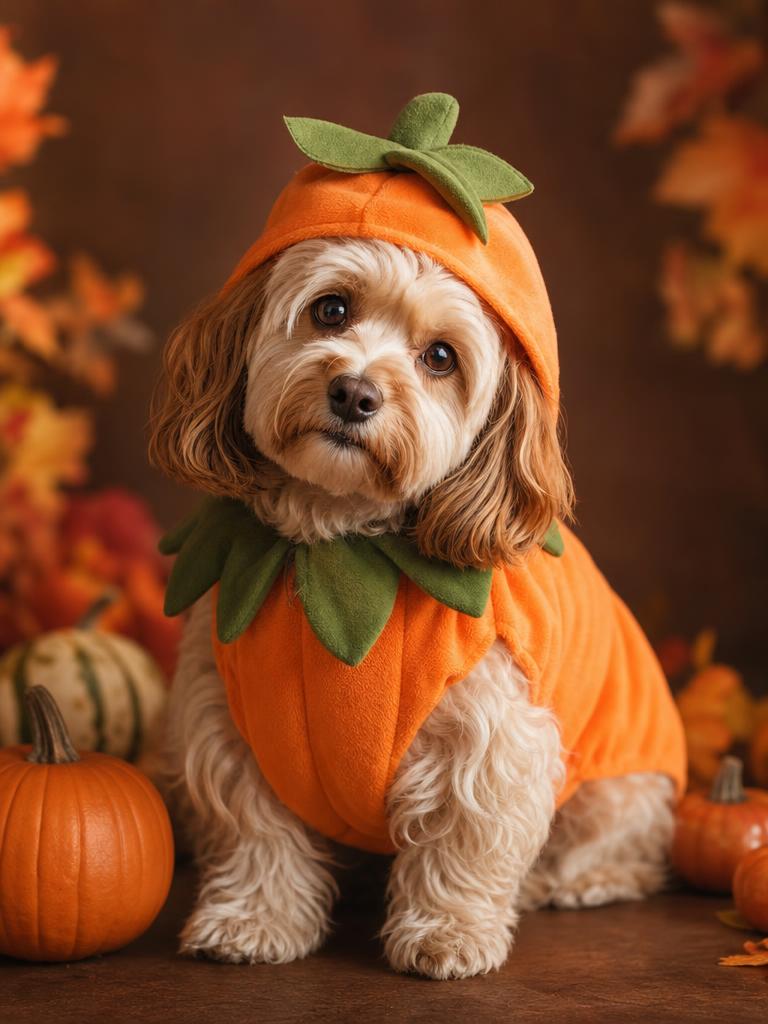
Seasonal workspace
Try the look
JPG, PNG or WebP · up to 10 MB · 1 credit only after success
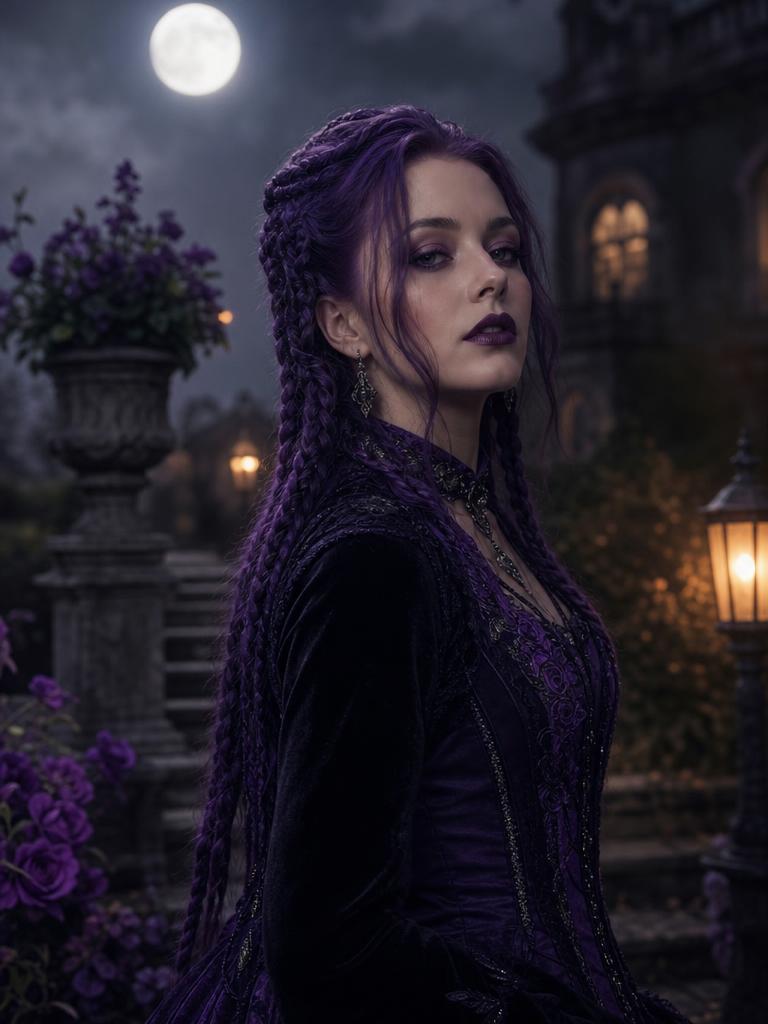
Violet braids, moonlight, and a Victorian garden.
Prompt recipe
Use the uploaded photo as the primary reference. Preserve the subject's recognizable facial identity, facial proportions, skin tone, approximate age, body proportions, pose and natural anatomy. Keep the same number of people as the uploaded photo. Avoid altered facial identity, extra people, extra limbs, duplicated fingers, distorted anatomy, text, logos and watermarks. Transform the subject into an original gothic Halloween fashion portrait. Change the hairstyle into long violet braids decorated with delicate silver hair accessories. Replace the clothing with an elegant black-and-purple velvet outfit featuring subtle lace and metallic details. Place the subject in a moonlit Victorian garden with soft fog, glowing lanterns and dark autumn foliage. Use photorealistic editorial photography, realistic fabric textures, natural skin details and cinematic soft lighting.
New accounts get 5 free credits. Sign in to use them.
Start with a look you can preview
A costume idea is easy to describe and hard to evaluate. “Celestial princess” can mean a delicate moon crown or a full sci-fi gown. A preview turns the description into a concrete image, so you can compare silhouettes, lighting, and color before you spend money on a costume or a photo shoot.
Every preset on this page is a complete image-edit recipe. The recipe keeps the face, skin tone, pose, and number of people from the uploaded photo, then changes the costume, hair, setting, and lighting. You can read the prompt before generating, copy it for another model, or run it here with one credit.
The 2026 signals worth acting on
The strongest Halloween signal in the research was Buddy the Unicorn, a mascot-horror character with a low keyword-difficulty estimate and a sharp seasonal curve. The lesson is not to copy the character. It is to notice the shape of the demand: a recognizable silhouette, a playful mascot, and a horror twist.
The same pattern appears in celestial princesses, wearable galactic armor, forest witches, and graphic skeleton makeup. These are not generic “Halloween” searches. They are specific visual directions that a photo tool can answer in one upload. The trend page explains the data and the caveats behind each direction.
Photos first, video second
A still image is the fastest way to test whether a look works. Once the portrait is right, a short video can add a head turn, a breeze, drifting fog, or a slow camera push-in. The video page uses the finished portrait as the first frame, which is more controllable than asking a model to invent a person and animate them at the same time.
Keep the first clip simple. Five seconds, one subject, one small motion. A believable blink or head turn is more useful than a dramatic scene change that breaks the face or the costume.
Prompts are part of the product
A good Halloween prompt is not a keyword list. It says what to preserve, what to change, where the subject is standing, what the light is doing, and what must not appear. The prompt library puts those instructions in readable HTML so a person, a search engine, or an AI answer engine can inspect the recipe without running the tool.
Copy a prompt into Gemini, ChatGPT, or another image model if you prefer. The presets are written to be portable. The FeyNoBg workspace adds the upload, credit, and download flow around the same recipe.
What this tool will not fake
Background removal and image editing are not the same as a costume fitting. A generated portrait cannot tell you whether a real garment will fit, whether a mask is comfortable, or whether a pet will tolerate a costume. It also cannot recover details that are hidden in the source photo.
Use the preview to choose a direction, then verify the physical details with a real product, a tailor, or a vet. For pets, never force a costume that covers the eyes or restricts movement. For people, keep the result clearly labeled as an AI preview when you share it.
Questions about one selfie. endless halloween looks.
Is the Halloween tool free to try?
New accounts receive five welcome credits. A completed seasonal image uses one credit, and a failed job releases the reservation instead of charging you.
Can I use my own photo?
Yes. Upload a JPG, PNG, or WebP under 10 MB. The tool validates the file on the server before it reserves a credit.
Does it keep my face recognizable?
The presets explicitly ask the model to preserve facial identity and proportions. Results still vary by source photo and model behavior, so inspect the output before sharing or printing it.
Can I make a video from the result?
Yes. The Halloween video page uses a finished portrait as the first frame and generates a short clip with a controlled motion prompt.
Are these official costumes or characters?
No. The presets are original visual directions inspired by public trends. They do not grant rights to a film, game, or character brand.
Start with one photo
See the look before you commit to the costume.
New accounts get five free credits. A completed image uses one; a failed job releases the reservation.