Photo editor
Halloween photo editor
This is an editor, not a random costume generator. You bring the photo; the preset changes the styling, scene, and light while the prompt protects the parts that make the person recognizable.
Updated 2026-10-20
A Halloween photo edit has two jobs: make the change obvious and keep the person believable. Most one-click filters fail one of those jobs. They either leave the photo almost unchanged or replace the face with a stranger in a costume.
The presets here are written as editing instructions. They describe the costume, hair, makeup, environment, and lighting, then list the things that must not change. That makes the output easier to evaluate and easier to reuse in another model.
The looks on this page
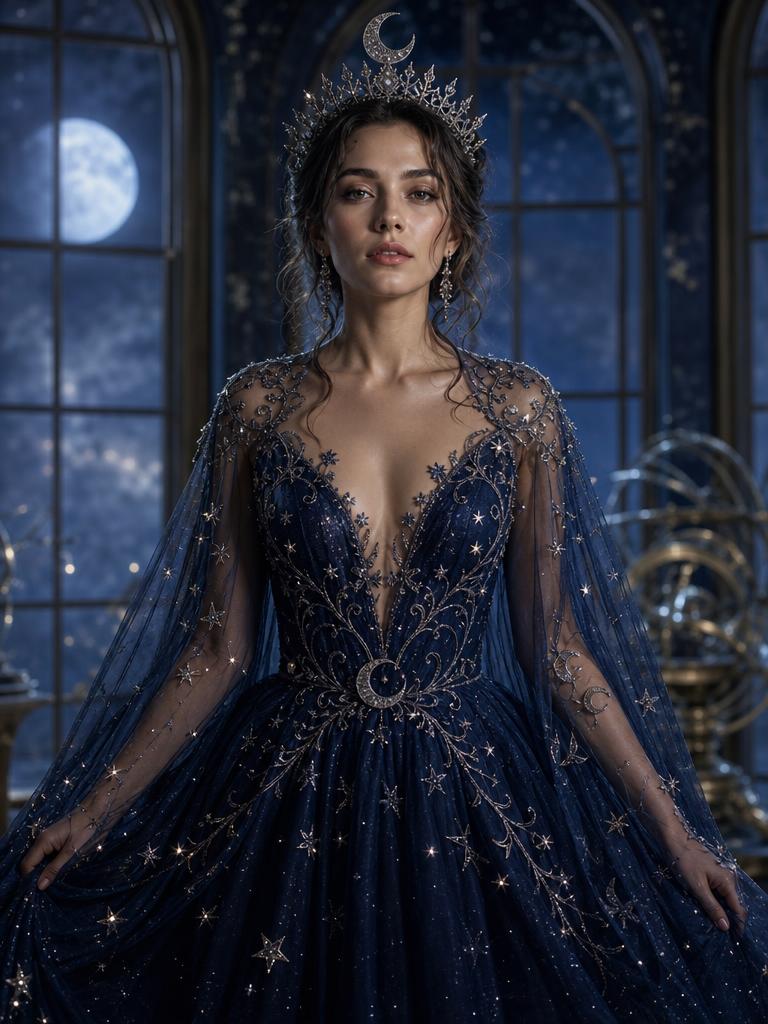
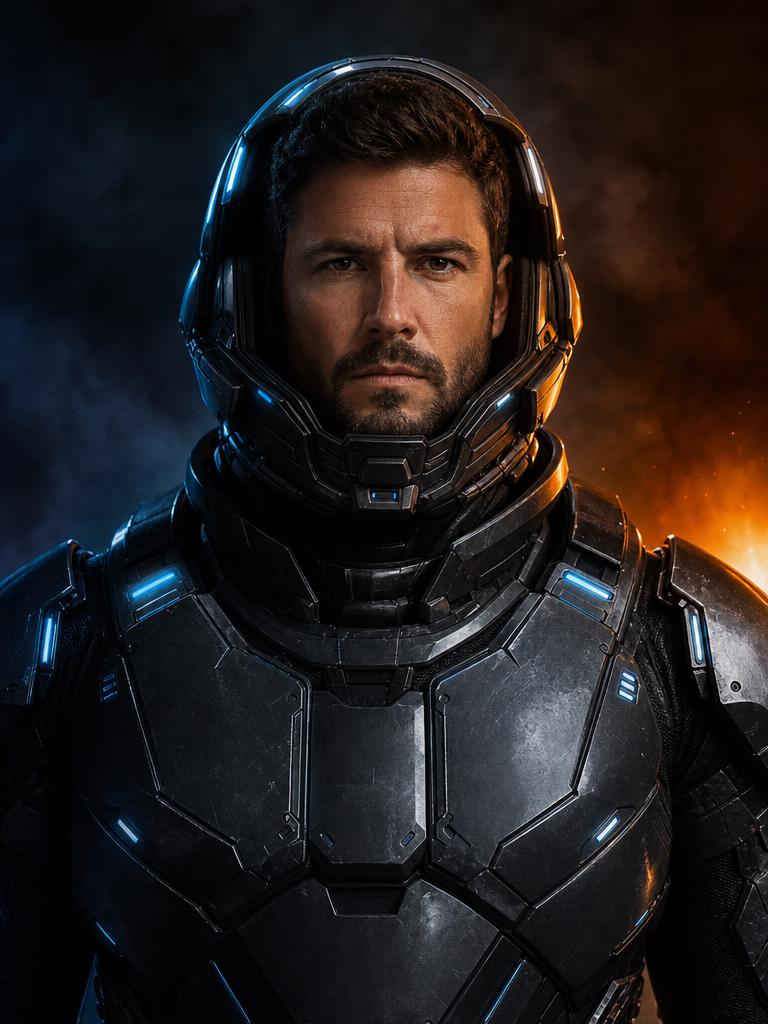
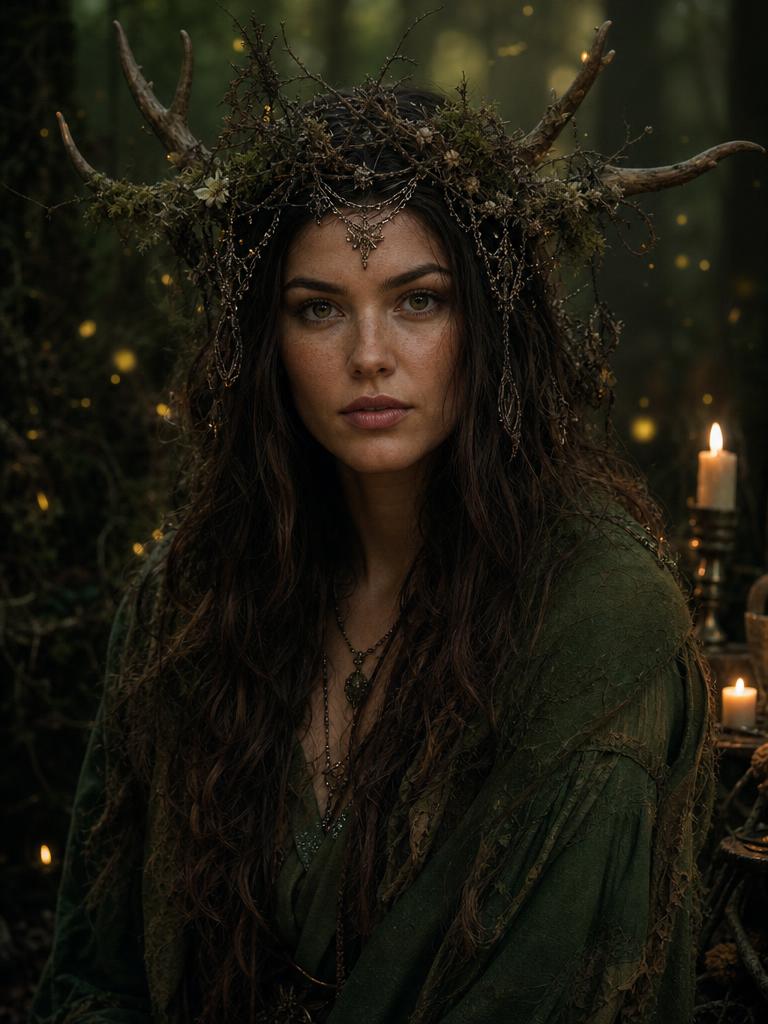
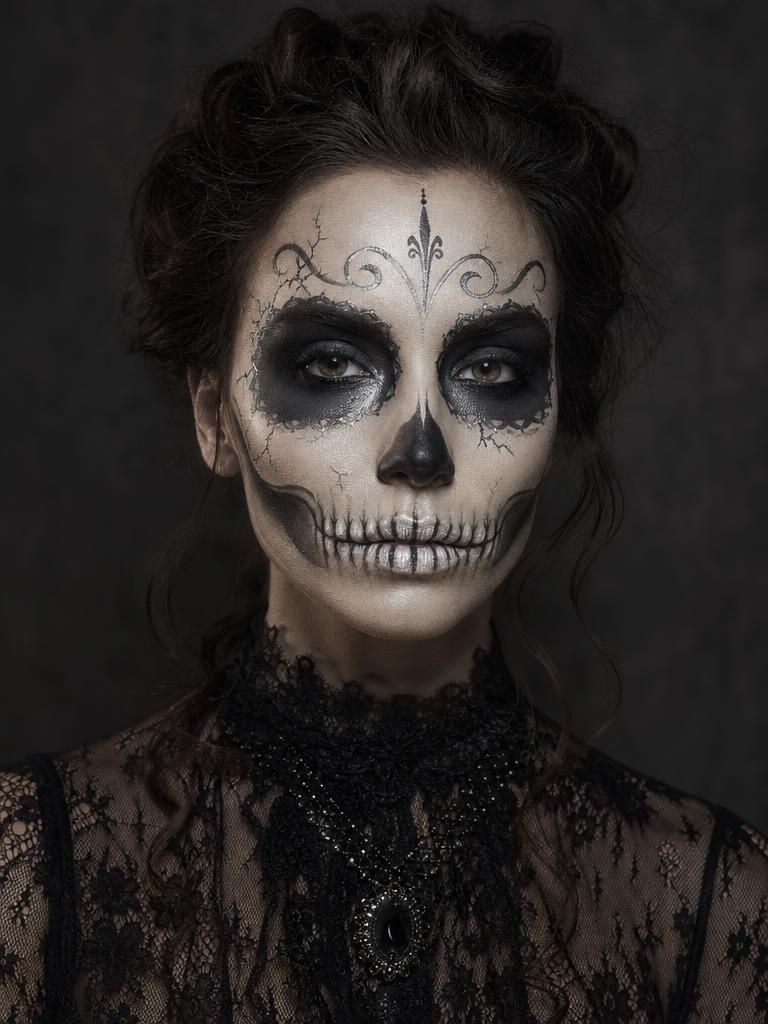
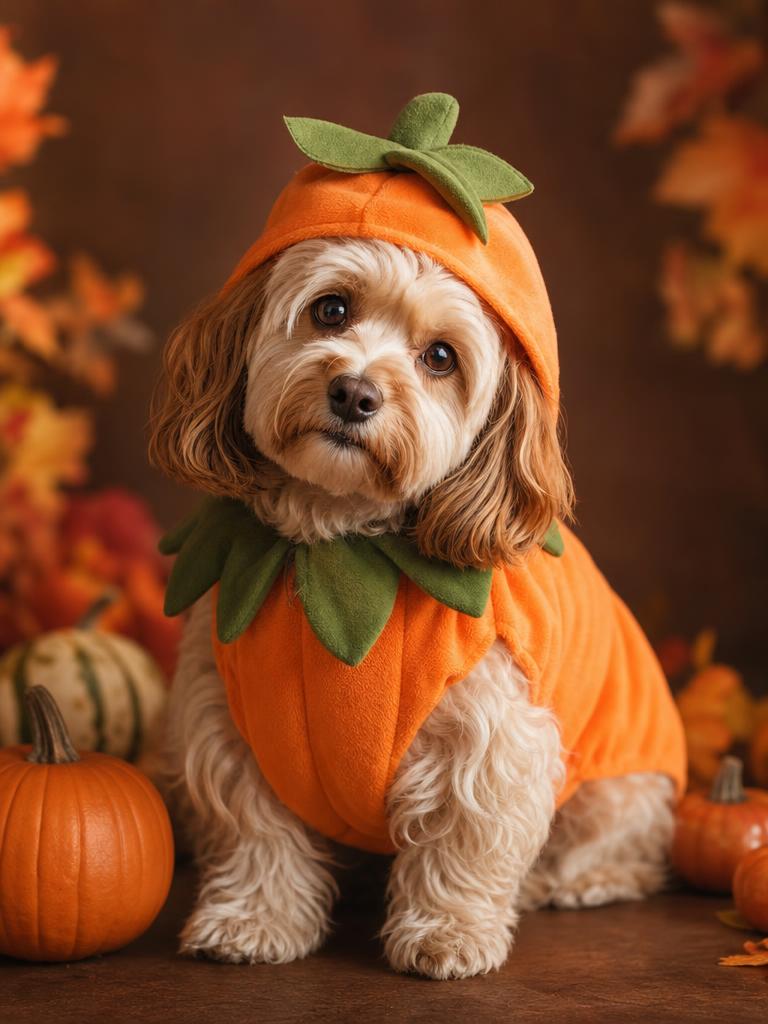
Each image is a GPT Image 2 concept asset. Each preset has a readable prompt and a real upload-and-generate path.
Seasonal workspace
Try the look
JPG, PNG or WebP · up to 10 MB · 1 credit only after success
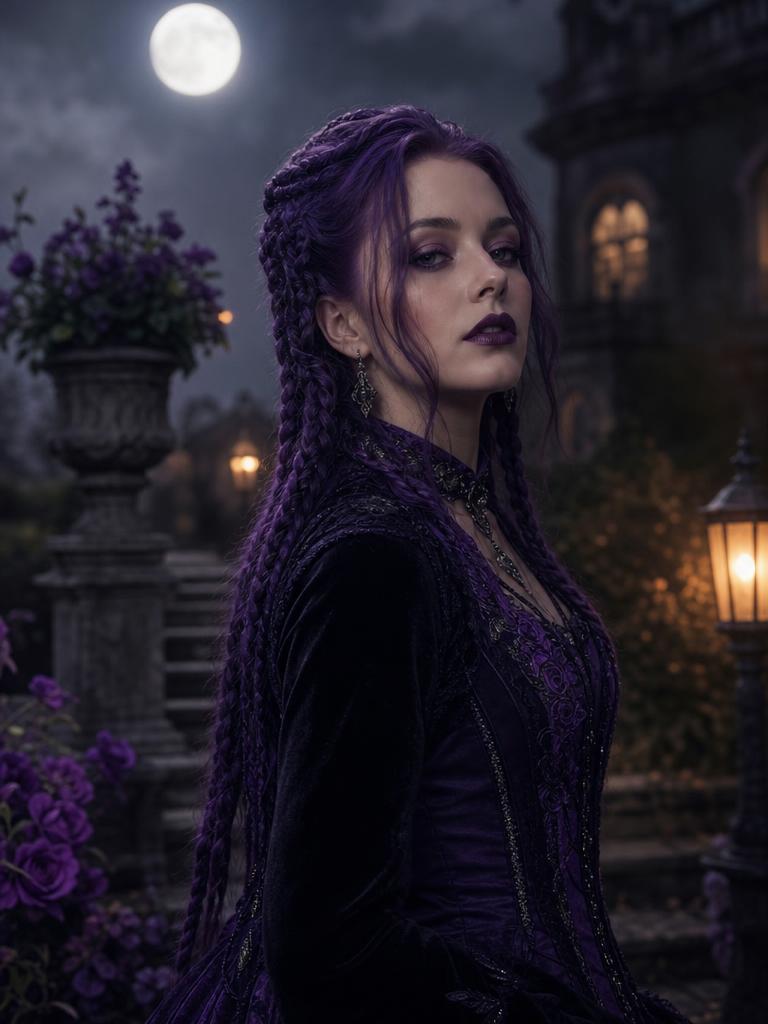
Violet braids, moonlight, and a Victorian garden.
Prompt recipe
Use the uploaded photo as the primary reference. Preserve the subject's recognizable facial identity, facial proportions, skin tone, approximate age, body proportions, pose and natural anatomy. Keep the same number of people as the uploaded photo. Avoid altered facial identity, extra people, extra limbs, duplicated fingers, distorted anatomy, text, logos and watermarks. Transform the subject into an original gothic Halloween fashion portrait. Change the hairstyle into long violet braids decorated with delicate silver hair accessories. Replace the clothing with an elegant black-and-purple velvet outfit featuring subtle lace and metallic details. Place the subject in a moonlit Victorian garden with soft fog, glowing lanterns and dark autumn foliage. Use photorealistic editorial photography, realistic fabric textures, natural skin details and cinematic soft lighting.
New accounts get 5 free credits. Sign in to use them.
Editing is different from generating from scratch
A text-to-image model invents a person. An edit model starts with your photo and changes selected parts. The second approach is better for Halloween portraits because the face, pose, and body proportions already exist. The model does not have to guess them.
The trade-off is that the source photo limits the result. If the face is turned away, the eyes are closed, or the lighting is extremely harsh, the edit has less information to preserve. A clean source is the highest-leverage improvement you can make.
Choose the change before choosing the preset
If you want a new outfit and setting, start with Midnight Braids, Cosmic Princess, Galactic Hero, or Forest Witch. If you want the face to remain the main subject, start with Skeleton Makeup. If the photo is a pet, use Pumpkin Pet rather than forcing a human preset onto an animal.
For a couple, use the two-photo workflow on the couple page. A single-photo preset cannot reliably preserve two identities, and asking one image to contain two people often produces swapped faces or a third person.
A practical photo checklist
Use the largest original file you have. Avoid screenshots, heavy HDR, and filters that have already changed the skin tone. If you are using a phone portrait, keep the subject centered and leave some space around the shoulders so the costume has room to expand.
Check the source at 100% before uploading. If the eyes are soft or the face is partly shadowed, the edit will inherit that uncertainty. A slightly less dramatic photo with a clear face usually produces a better Halloween portrait than a dramatic photo where the face is hard to read.
- One person per photo for single-person presets.
- Face and shoulders visible; no heavy crop through the jaw.
- Natural skin texture is easier to preserve than a heavily smoothed face.
- Use the original file, not a messaging-app thumbnail.
Read the prompt before you generate
Every preset exposes its prompt. The prompt is part of the product because it tells you what the model is trying to do. Look for the identity clause, the costume clause, the scene clause, and the avoidance list. If you disagree with a choice, change the prompt in your own model or choose a different preset.
The prompt library has shorter recipes for people who want to paste an instruction into Gemini, ChatGPT, or another editor. Those recipes are intentionally portable: they describe the visual result without depending on a specific provider.
Inspect the result like an editor
Zoom in on the face, hands, hairline, jewelry, and the boundary between the subject and the background. Look for duplicated fingers, a changed eye shape, floating accessories, or a costume that merges into the skin. A convincing thumbnail can hide a broken detail at full size.
If the result is close but not right, change one variable at a time: a sharper source, a simpler preset, or a different crop. Changing the prompt, the source, and the preset at the same time makes it impossible to learn what caused the improvement.
Questions about halloween photo editor
Does this replace the background?
The seasonal presets replace the scene as part of the costume edit. The original background-removal tool is still available for transparent PNG cutouts.
Can I edit a photo with two people?
Use the couple page, which accepts two source photos and asks the model to preserve both identities separately.
Will the result be print quality?
Check the downloaded dimensions and inspect the face at the intended print size. The tool does not upscale an image beyond the model output.
Can I use the image commercially?
You are responsible for the source photo, the model terms, and the rights to any recognizable person or brand. Do not imply that a generated costume is a real product.
Start with one photo
See the look before you commit to the costume.
New accounts get five free credits. A completed image uses one; a failed job releases the reservation.