Costume preview
AI Halloween costume generator
Turn a selfie into a costume preview you can inspect before you buy, sew, or book a photographer. Choose a look, read the recipe, and generate a portrait.
Updated 2026-10-20
Most costume generators produce a generic person in a generic outfit. That is not useful when the point is to see how a look might work on you. This workspace uses the uploaded photo as the primary reference and gives the model explicit instructions about what must stay the same.
The result is a preview, not a guarantee. It can help you compare a violet braided look with a celestial gown or a wearable armor concept. It cannot promise that a specific garment will fit or that a makeup product will behave the same way in real life.
The looks on this page
Each image is a GPT Image 2 concept asset. Each preset has a readable prompt and a real upload-and-generate path.
Seasonal workspace
Try the look
JPG, PNG or WebP · up to 10 MB · 1 credit only after success
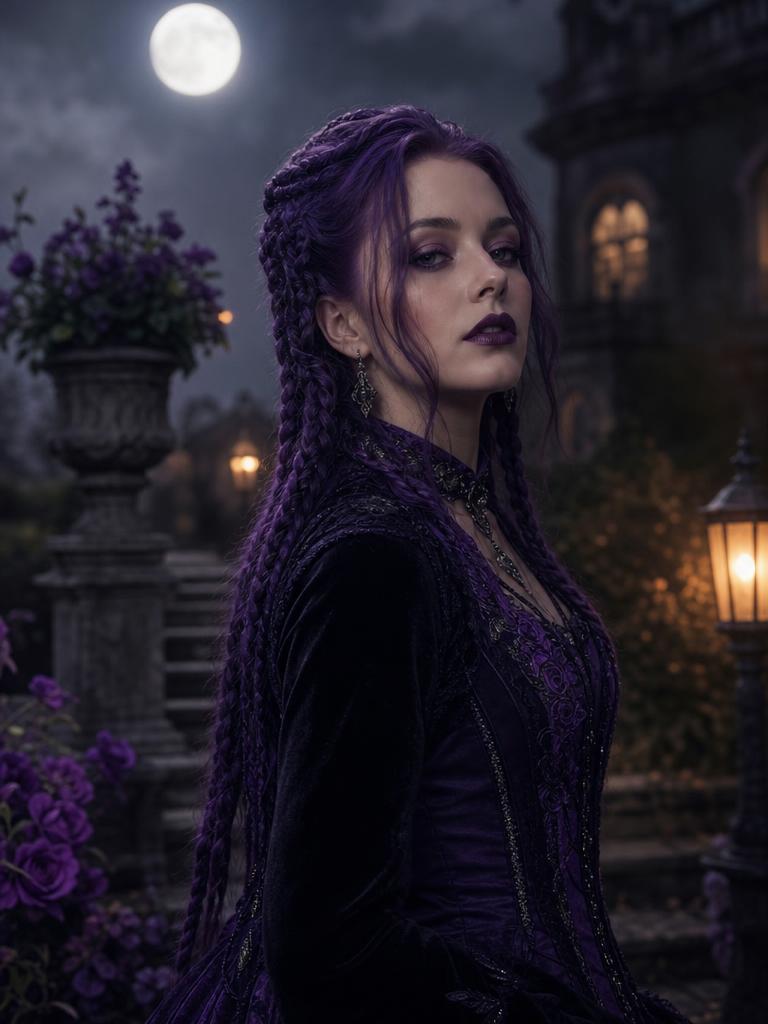
Violet braids, moonlight, and a Victorian garden.
Prompt recipe
Use the uploaded photo as the primary reference. Preserve the subject's recognizable facial identity, facial proportions, skin tone, approximate age, body proportions, pose and natural anatomy. Keep the same number of people as the uploaded photo. Avoid altered facial identity, extra people, extra limbs, duplicated fingers, distorted anatomy, text, logos and watermarks. Transform the subject into an original gothic Halloween fashion portrait. Change the hairstyle into long violet braids decorated with delicate silver hair accessories. Replace the clothing with an elegant black-and-purple velvet outfit featuring subtle lace and metallic details. Place the subject in a moonlit Victorian garden with soft fog, glowing lanterns and dark autumn foliage. Use photorealistic editorial photography, realistic fabric textures, natural skin details and cinematic soft lighting.
New accounts get 5 free credits. Sign in to use them.
How the costume preview works
Upload one clear photo with your face visible. Choose a costume preset. The server validates the image, reserves one credit, uploads the source to the image provider, and submits a structured edit prompt. When the provider returns an image, the credit is consumed and the result appears in the workspace.
The prompt has five parts: identity preservation, costume change, hair and accessories, environment and lighting, and negative constraints. That structure is why the result is more predictable than a one-line “make me a Halloween costume” request.
What makes a good source photo
Use a recent photo with even lighting and a clear view of the face. Avoid heavy beauty filters, extreme angles, and objects covering the eyes. A plain background is not required, but it helps the model separate the subject from the scene.
If you wear glasses, keep them on if they are part of your identity, or remove them if you want the costume to include eye makeup. The model does not know which choice you prefer. It only follows the source and the prompt.
- Face visible, eyes open, and expression close to what you want in the final image.
- No more than one person in the frame for a single-person preset.
- JPG, PNG, or WebP under 10 MB.
- No screenshot of a screenshot if you can use the original file.
The five tested directions
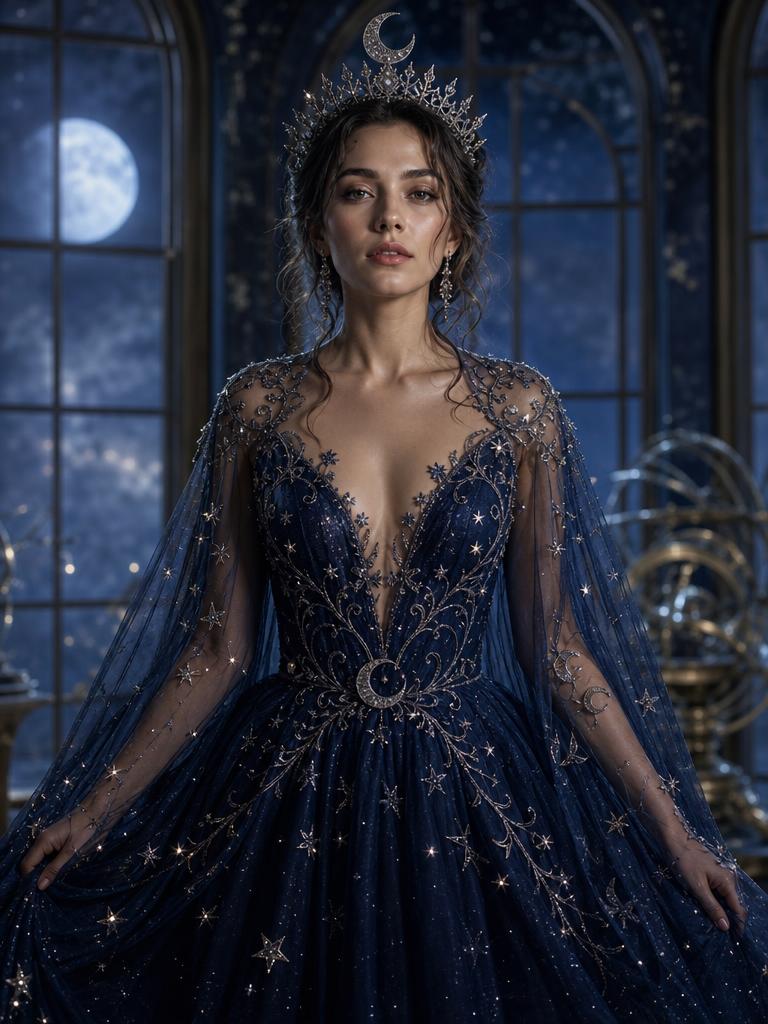
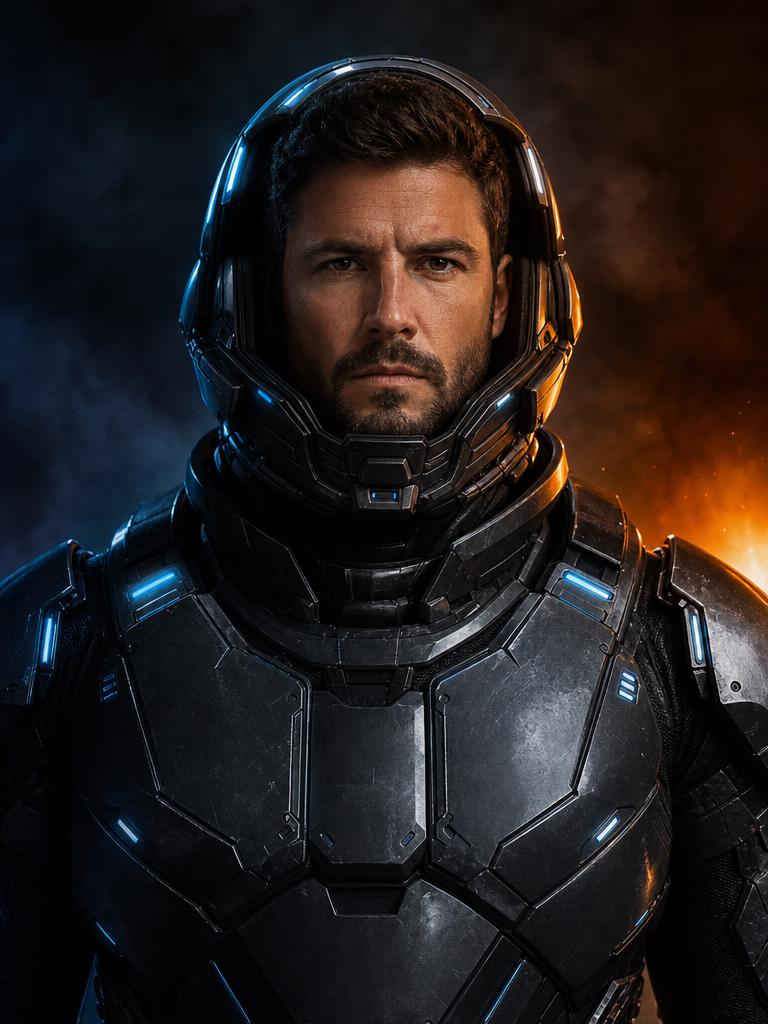
Midnight Braids is the most requested look: long violet braids, a black-and-purple velvet outfit, and a moonlit Victorian garden. Cosmic Princess swaps the garden for a star-patterned gown and an observatory. Galactic Hero keeps the face human while adding wearable armor and blue LED accents.
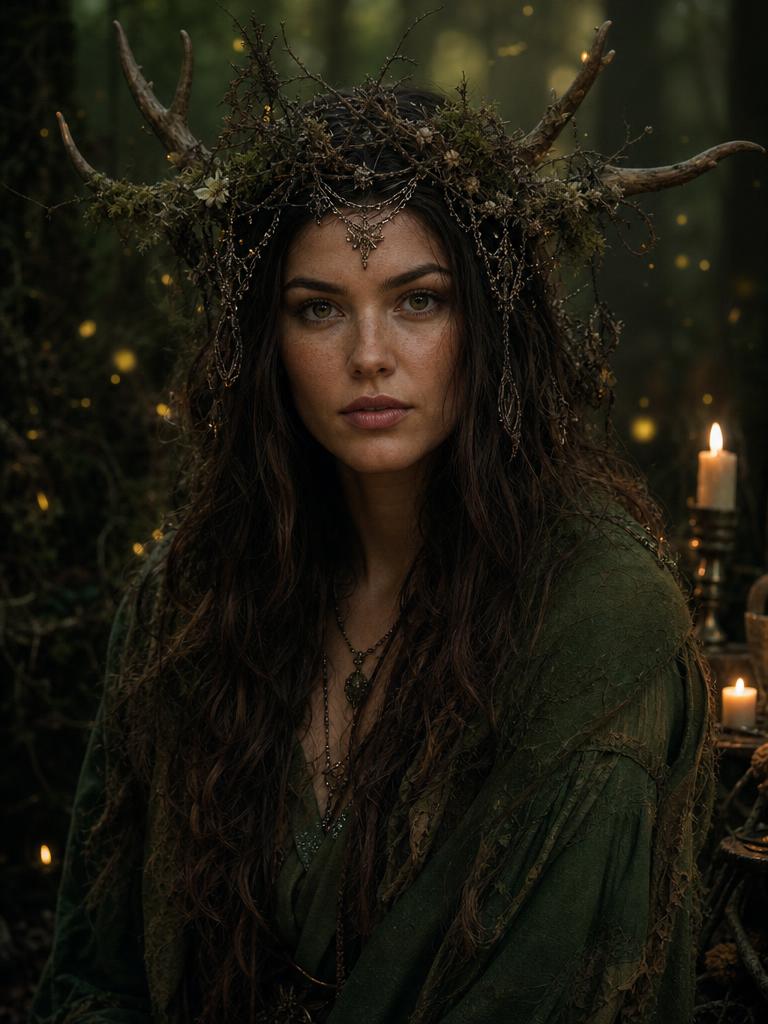
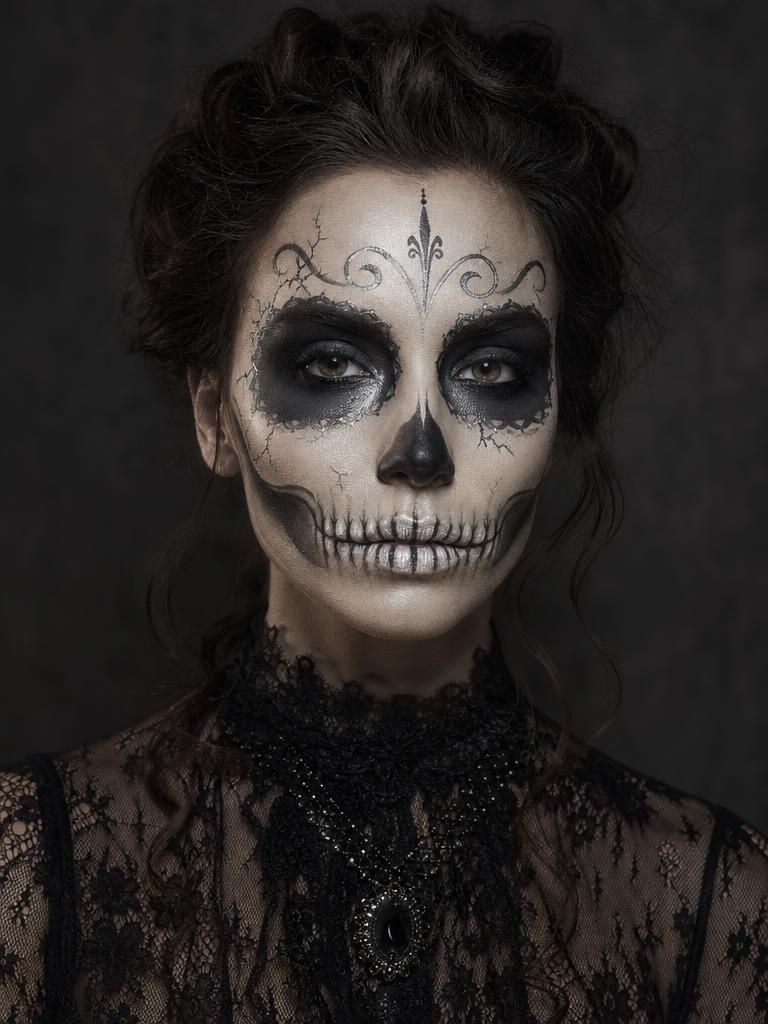
Forest Witch uses moss green, antlers, candlelight, and fireflies. Skeleton Makeup is the most face-focused preset: it changes the makeup and outfit while keeping the facial structure visible. Each preset has a different risk profile. Makeup and hair are easier to keep coherent than full-body armor or a complex group scene.
Identity preservation and its limits
The prompts ask the model to preserve facial identity, skin tone, age, pose, and body proportions. In practice, a model can still change the shape of a jaw, soften a distinctive feature, or make a hand look unnatural. Always compare the result with the source at full size.
If the face drifts, try a sharper source photo, a more frontal angle, and a preset that changes less of the body. Repeating the same prompt on the same source is not a guaranteed fix; a different source is often more effective.
What to do with the result
Download the image and use it as a mood board, a costume shopping reference, or a social post clearly labeled as an AI preview. If you plan to print it, check the pixel dimensions and inspect the face, hands, and costume edges at the intended print size.
Do not present a generated costume as a real product photo or as evidence that a specific garment exists. If you are selling a costume, use the preview as a concept and photograph the real item separately.
Questions about ai halloween costume generator
Can I generate a costume on a photo of someone else?
Only with their permission. The tool processes the image you upload, and you are responsible for having the right to use it.
Will the costume fit like the image?
No. The image is a visual concept, not a garment simulation. Check real measurements, fabric, and return terms before buying.
Can I choose a different background?
The preset controls the scene. The current workspace does not expose a separate background picker; the prompt library explains how to adapt a recipe for another model.
What happens if the generation fails?
The reservation is released and the credit is not consumed. You can retry with a new job.
Start with one photo
See the look before you commit to the costume.
New accounts get five free credits. A completed image uses one; a failed job releases the reservation.